

You have the tool open. ChatGPT, Copilot, Gemini, whichever one your company pays for. The box is blank. You type something like "write a status update for my project" — and what comes back is generic, padded, and somehow both too long and not about anything. So you sigh, close the tab, and write it yourself like always.
The problem is not the tool. And it is definitely not that you need to "learn prompt engineering" — a phrase designed to make you feel behind. The problem is smaller than that: you're typing a wish, when the tool needs a brief.
Here's the difference, and the fix.
You already know how to do this
You would never walk up to a sharp new hire and say "write a status update" and walk away. You'd tell them who it's for, hand them the raw material, say what you actually want, and tell them what it should look like. That instinct is the entire skill. A prompt that works has four parts:
Role — who you want the AI to be. "You're a chief of staff writing for a time-poor executive."
Material — the raw input, pasted in. Your messy notes, the email thread, the bullet dump.
Task — the actual job, stated plainly. "Turn this into a status update."
Shape — what the output should look like. "Five bullets, under 120 words, lead with risks, no preamble."
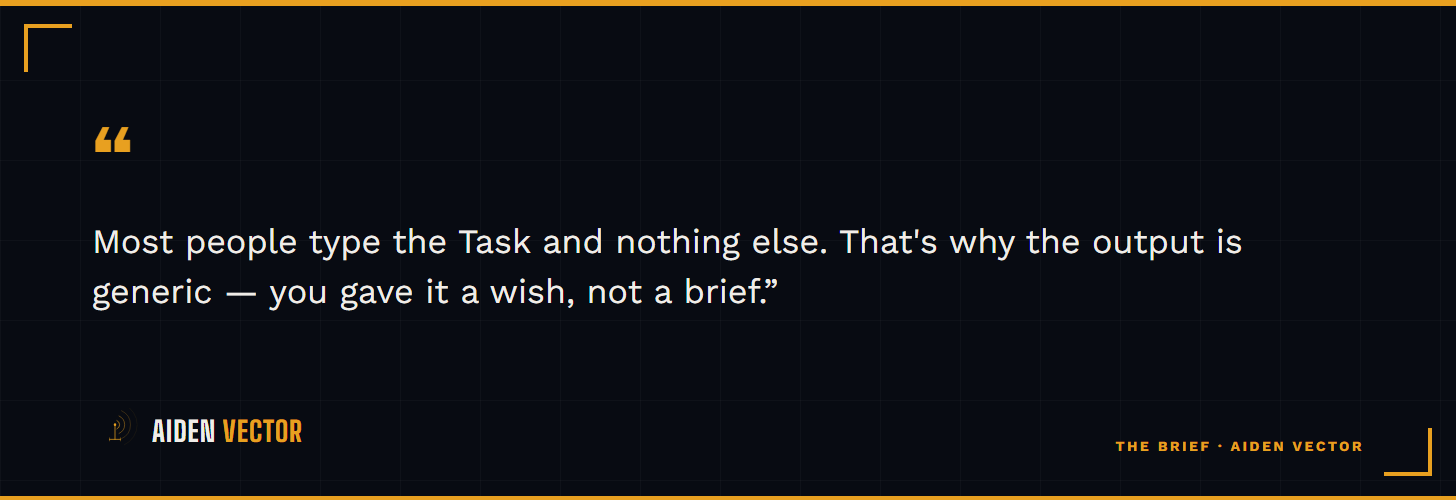
Most people type the Task and nothing else. That's why the output is generic — you gave it a wish, not a brief.
One concrete example
The weak prompt: "Write a project status update." You get filler.
The four-part version:
You're my chief of staff. Below are my raw notes from this week. [paste the notes]. Turn this into a status update for my VP, who has 30 seconds. Five bullets max, under 120 words, lead with the one thing at risk, no introduction.
Same tool. Same thirty seconds of typing. The second one comes back usable — often usable enough to send after one edit. The only thing that changed is that you briefed it instead of wishing at it.
What to do this week
Pick the one writing task you do most and resent most — the weekly update, the meeting recap, the exec summary, the "can you just put together a quick doc." The next time it lands, don't write it from scratch and don't wish at the AI. Brief it: Role, Material, Task, Shape. Four lines. Then edit what comes back instead of generating it from nothing.
You will not get it perfect the first time. You will get it 70% of the way there in two minutes instead of 0% of the way there in thirty. That is the whole game. Do that once and the blank-box problem is gone for good.
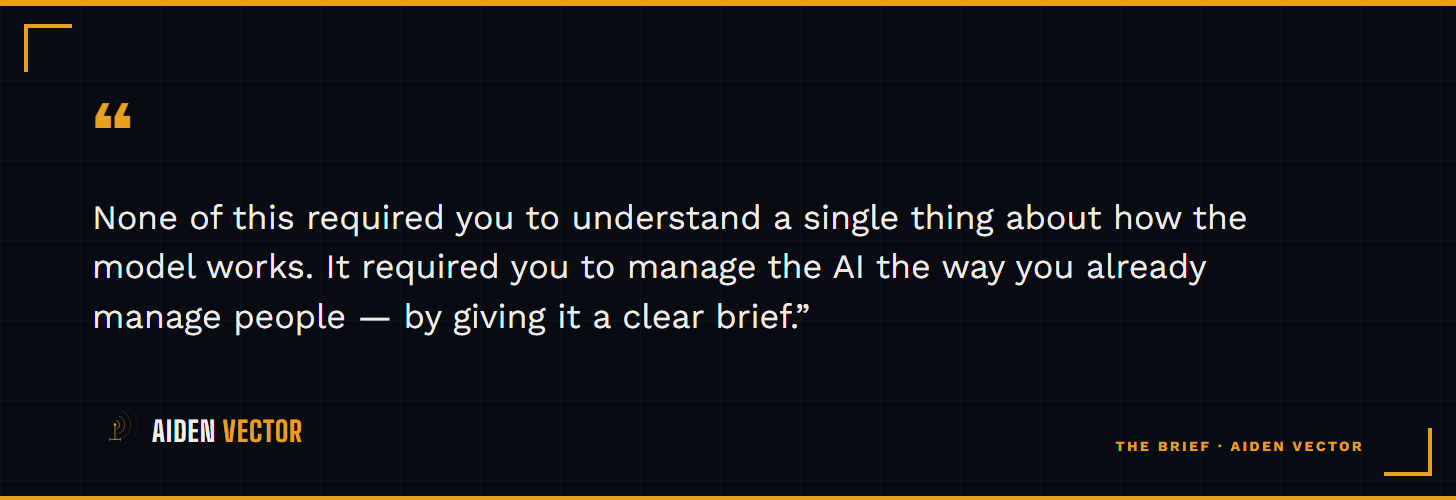
None of this required you to understand a single thing about how the model works. It required you to manage the AI the way you already manage people — by giving it a clear brief.
P.S. — If you'd rather not build the briefs yourself, The Everyday Prompt Vault is the done-for-you version: 30+ ready prompts for the management tasks you already do — status updates, exec summaries, vendor triage, hiring screens — fill in two brackets, done. Optional. The four-part move above works on its own.
This was a free one. There's a new one every week.
What's signal in the AI noise — and the move to make about it. No hype, no vendor pitch, no link dump.
Aiden Vector is an AI-assisted publication; this content is produced by AI under human editorial direction.